Mastering Multi-Floor Cleaning: A Guide to Multiple Vacuums
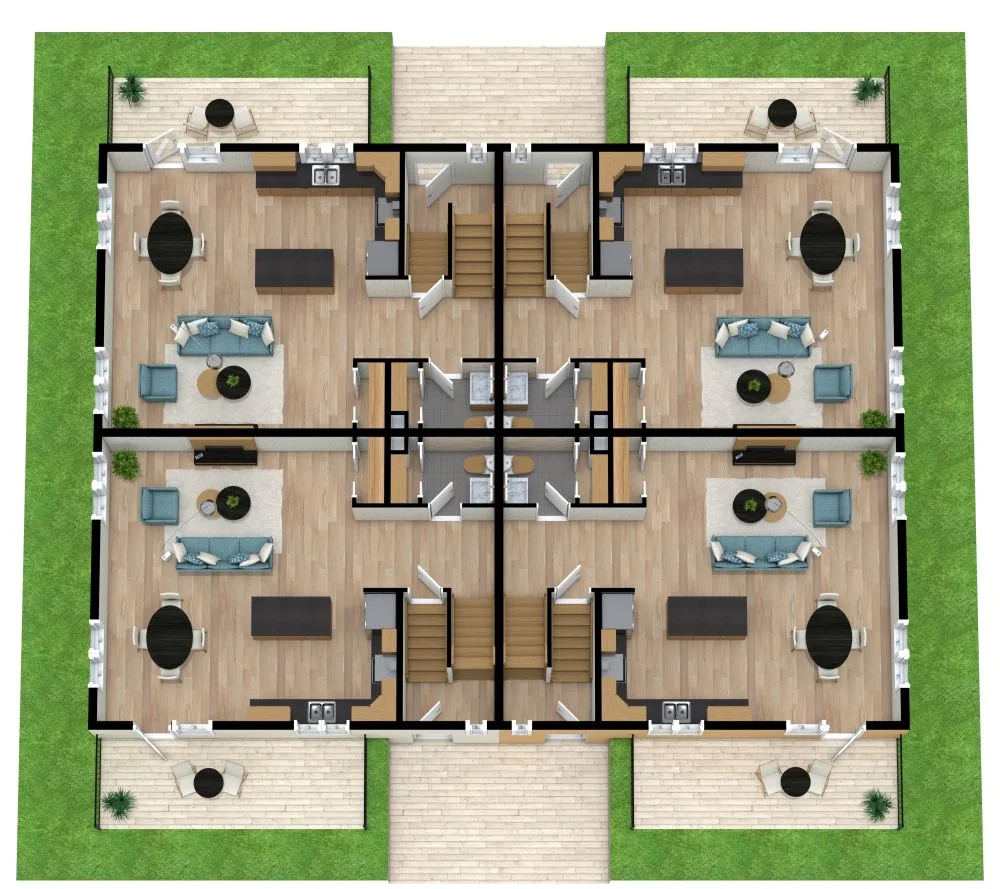
Figuring out how to manage multiple vacuums for different floors in one home often feels like a logistical puzzle. You might have a robot on the ground floor and a stick vacuum upstairs, but keeping track of them is messy. Most people default to buying more gadgets instead of organizing what they already own.
This leads to cluttered closets and wasted money on redundant tools.
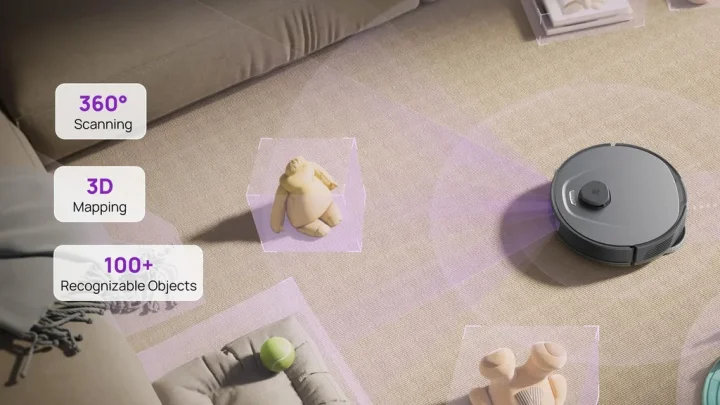
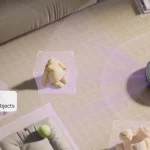
The real solution lies in strategic zoning rather than accumulation. As of 2026, modern LiDAR-equipped robots can save up to five distinct maps, changing the game entirely. We’ve seen that assigning specific devices to specific tasks reduces friction significantly.
Let’s break down exactly how to set this up without losing your mind.
Quick Answer
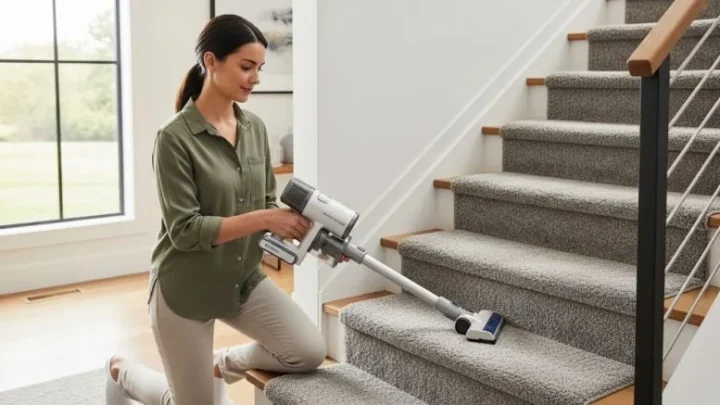
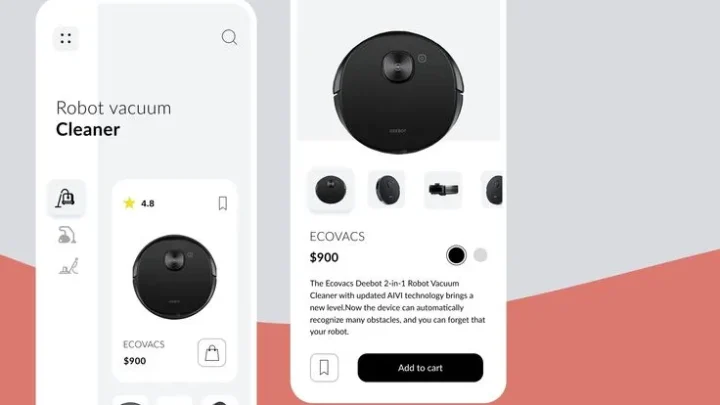
Managing multiple vacuums starts with zoning by floor type. Assign a robot vacuum to hard-surface areas for daily maintenance. Use a lightweight cordless stick for carpets and spot cleaning.
Store each device near its primary zone to encourage consistent use. Rotate deep-cleaning duties monthly to prevent filter clogs. This hybrid approach balances automation with targeted power effectively.
The Reality of Multi-Floor Cleaning: Why One Vacuum Rarely Fits All
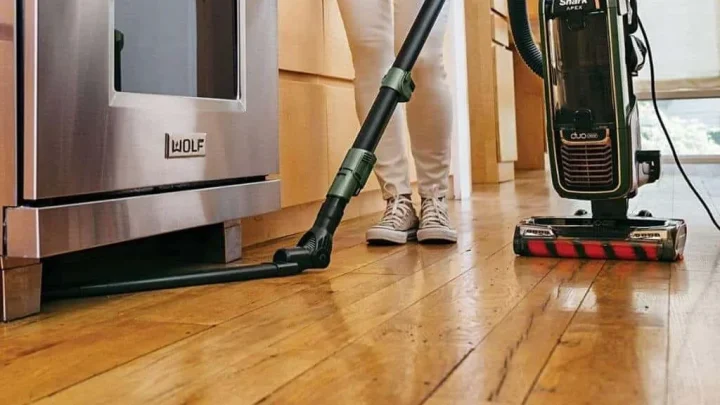
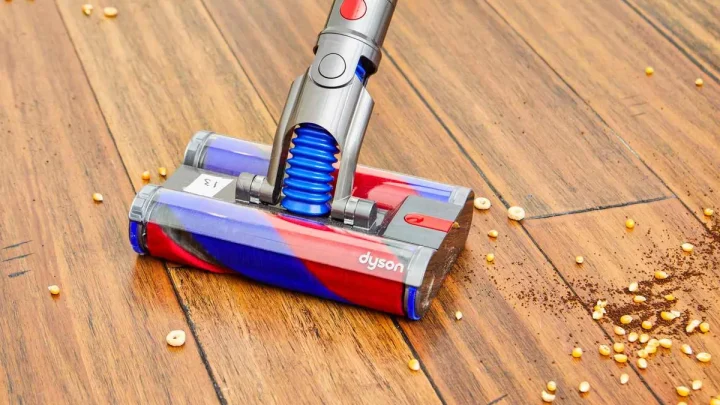
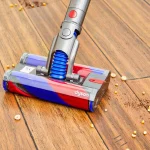
One single unit rarely handles mixed surfaces well. Hardwood needs soft rollers to avoid scratches. Thick carpet requires aggressive agitation and high suction.
A tool optimized for one usually fails at the other. You end up compromising cleanliness or damaging your floors.
Aggregate user reviews highlight this frustration constantly. Owners complain that their "all-in-one" machine leaves streaks on tile. It also struggles to pull embedded dirt from rug fibers.
The physics of airflow simply don’t work for both extremes simultaneously. Trying to force it creates unnecessary wear on the motor.
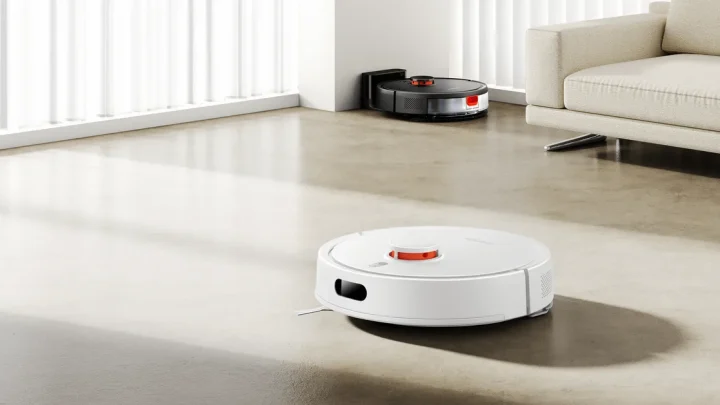
Splitting responsibilities solves this mechanical mismatch. Robots excel at low-profile, flat surfaces where they can glide freely. They miss corners and edges, though.
Stick vacuums offer precision for those tight spots and deeper pile. They are portable enough to carry between rooms quickly.
This division of labor isn't about having too much stuff. It’s about matching the tool to the terrain. When you stop expecting one device to do everything, efficiency jumps.
You spend less time fighting the equipment. You spend more time enjoying a cleaner home.
Map Your Floors Before You Buy or Assign Devices
Start by auditing your actual square footage per surface type. Don’t guess; measure the rough area of hardwood versus carpet. This data dictates which device gets priority placement.
If 70% of your ground floor is tile, the robot belongs there.
Next, identify the transition points. These are the thresholds between rooms or floors. High thresholds block robots.
Low thresholds allow passage but may cause wheel slippage. Note these locations carefully. They determine if a device can cross zones autonomously.
Consider vertical access too. Can you easily carry a heavy upright up stairs? Probably not daily.
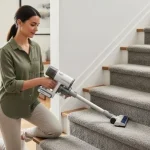
A lightweight stick under six pounds makes sense for upper levels. Heavy canisters stay put on the main floor. Weight limits dictate mobility options strictly.
Finally, look at furniture clearance. Under-bed space matters for robot navigation. If gaps are under four inches, the robot won’t fit.
You’ll need a manual alternative for those hidden zones. Mapping these constraints prevents buying useless tech. It ensures every assigned device has a viable job.
The Hybrid Workflow: Pairing Robots with Cordless Sticks
Assign the robot to daily maintenance on open hard floors. Schedule it to run while you’re away or asleep. It handles dust, crumbs, and light debris effortlessly.
This keeps the baseline clean without human intervention. Manufacturer specs confirm most premium units last 90+ minutes per charge.
Use the cordless stick for weekly targeted cleans. Focus on carpets, rugs, and edge details the robot misses. Pull out the sofa cushions.
Clean along baseboards. This manual pass addresses the limitations of automation. It takes fifteen minutes, not an hour.
If you have pets, increase the frequency slightly. Shedding accumulates fast on upholstery. The stick vacuum’s crevice tool is essential here.
Run the robot daily on floors. Hit the furniture twice a week with the stick. This rhythm prevents hairballs from becoming permanent fixtures.
Do not try to make the robot handle carpets deeply. Even strong suction models struggle with thick pile. Save that power for the dedicated upright or stick.
Mixing roles confuses the workflow. Keep the boundaries clear. Automation for volume, manual for precision.
Thresholds, Tangles, and Traffic: Solving Physical Barriers
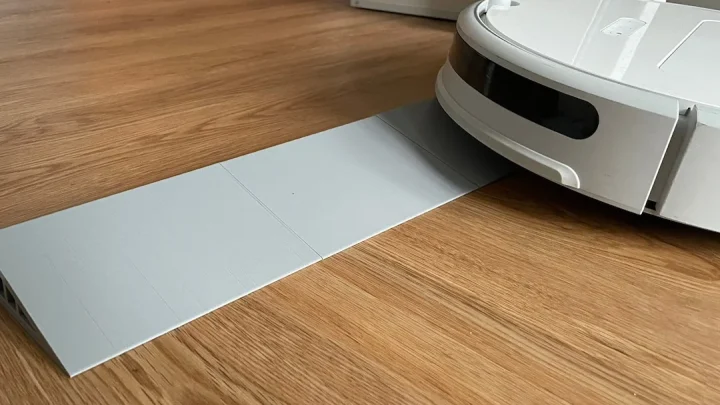
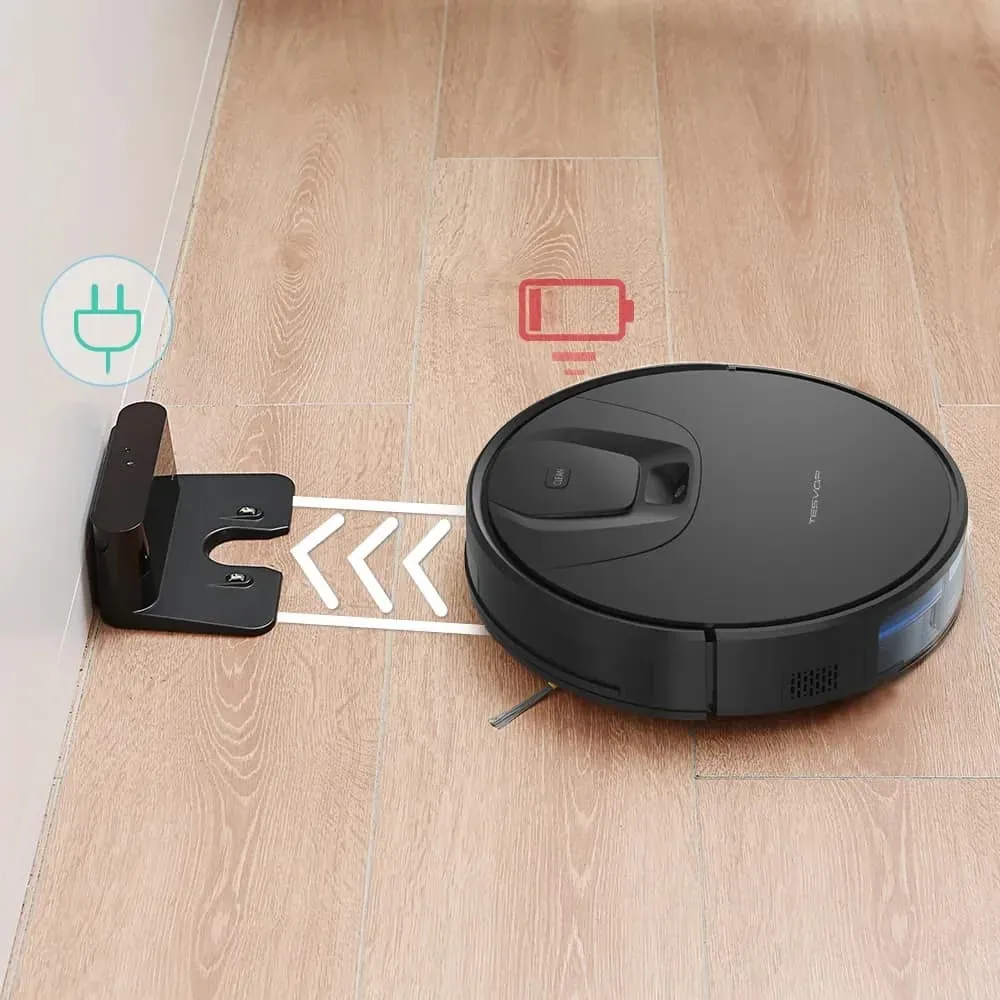
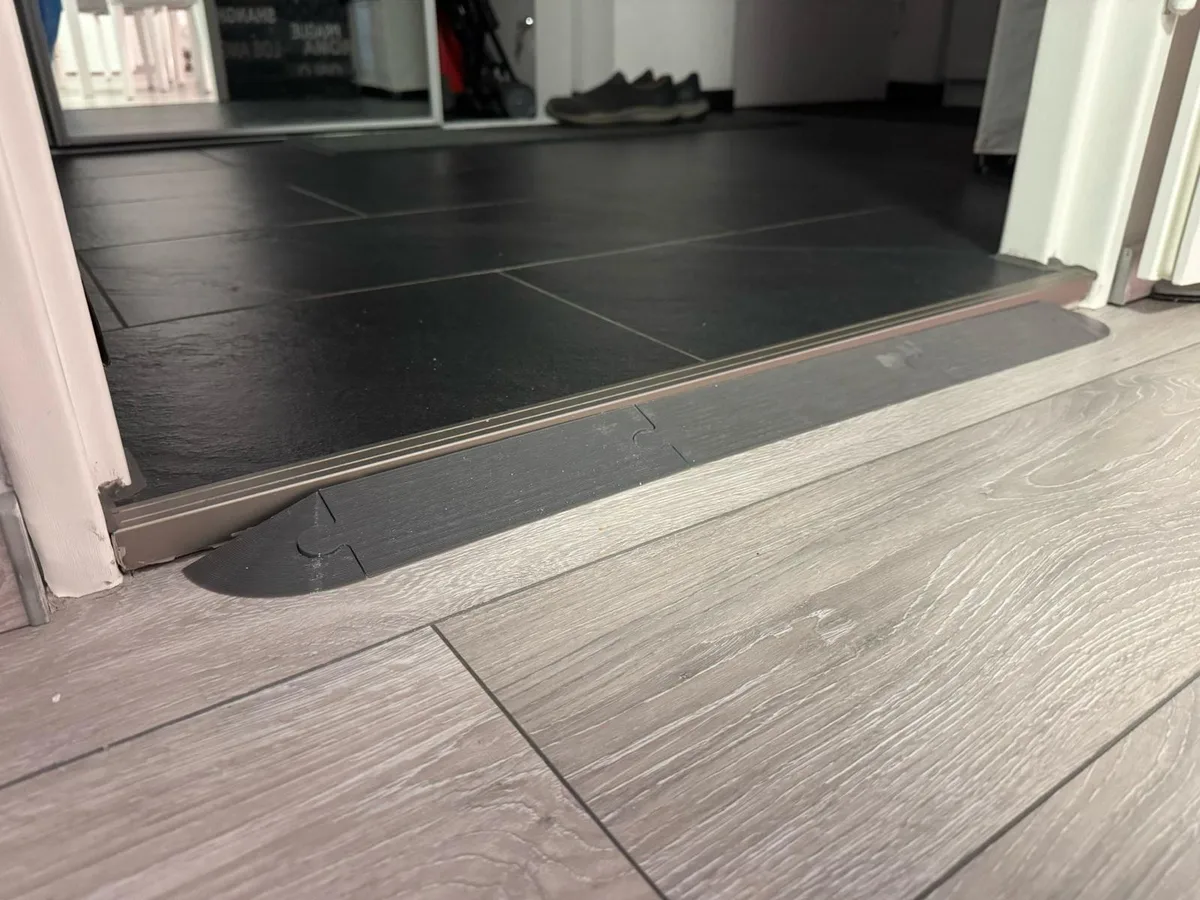
Thresholds are the biggest enemy of autonomous cleaning. Most robots climb only 0.8 inches comfortably. Anything higher triggers a stuck error.
Check your door sills immediately. Measure them with a ruler.
If you have high transitions, install rubber ramp strips. These affordable accessories bridge the gap smoothly. They protect the robot’s wheels from slipping.
They also prevent the device from banging into the frame. This small modification saves hours of retrieval frustration.
Cords pose another significant hazard. Loose charging cables confuse sensors. Pet toys left on the floor trigger avoidance modes.
Create a "clear zone" rule before starting a cycle. Pick up visible clutter in ten seconds.
Traffic patterns matter too. High-footfall areas get dirty faster. Position docking stations away from walkways.
Ensure the robot has a clear path back to charge. Obstructions delay recharging and reduce overall coverage. Simple spatial awareness fixes complex operational issues.
Maintenance Routines That Prevent Cross-Contamination
Dirty filters recirculate allergens everywhere. Check HEPA status monthly. Washable pre-filters need drying for 24 hours minimum.
Never reinstall damp components. Moisture breeds mold inside the housing.
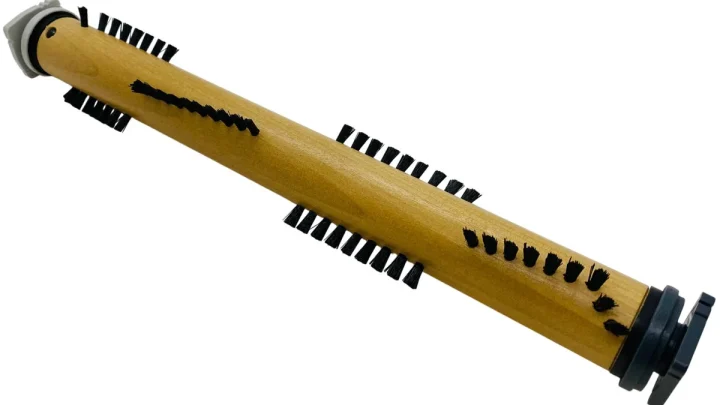
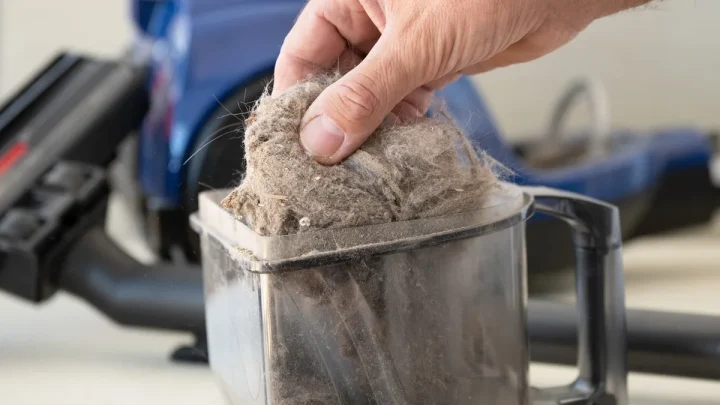
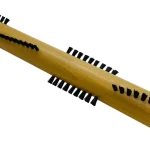
Brush rolls collect hair tightly. Cut tangled strands regularly with scissors. Replace worn bristles annually.
A degraded brush loses agitation power. It pushes dirt around instead of lifting it. Inspect for wear after every few uses.
Empty bins frequently to maintain suction. Full containers restrict airflow dramatically. Robot dustbins fill up faster than you think.
Empty them after every two cycles. For sticks, empty when the max line hits. Ignoring this drops performance by half.
Sanitize contact points occasionally. Wipe sensors with a dry microfiber cloth. Dust buildup blinds navigation systems.
Clean charging contacts to ensure proper power transfer. Corrosion causes intermittent failures. A quick wipe-down extends device lifespan significantly.
When to Consolidate vs. When to Specialize
Consolidation works best for small, single-level homes. If you live under 1,500 square feet with uniform flooring, one high-quality stick vacuum suffices. It reduces storage needs and maintenance costs.
You avoid the hassle of managing multiple charging docks. Simplicity wins when complexity offers no tangible benefit.
Specialization is necessary for multi-story or mixed-surface properties. Robots cannot climb stairs. They also struggle with deep-pile rugs.
In these cases, splitting duties is mandatory. Assign robots to open hard floors on each level. Keep a lightweight stick for carpets and tight corners.
This setup maximizes coverage without manual intervention.
Consider your physical ability before deciding. Carrying heavy canisters up stairs causes strain. A modular system keeps weight manageable.
Store the stick on the upper floor. Leave the robot downstairs. This prevents constant transport of equipment.
Aggregate reviews show that ease of access drives consistency. If moving the device feels like a chore, you’ll skip it.
Budget plays a role too. Buying two mid-range units often beats one premium flagship. Mid-range robots now offer LiDAR mapping comparable to top-tier models.
Pairing them with a reliable cordless stick creates redundancy. If one fails, cleaning continues uninterrupted. This resilience matters for busy households.
Don’t put all eggs in one basket if reliability is critical.
FAQs on Managing Multiple Vacuums
Can I use one robot vacuum for two floors?
Yes, but only if it supports multi-map saving. Modern LiDAR units store up to five distinct maps. You must physically carry the dock and robot upstairs.
Reset the map selection upon arrival. Without this feature, the robot gets confused by new geometry. Always check manufacturer specs for "multi-floor" capability before purchase.
VSLAM cameras often fail in low-light stairwells.
How do I prevent cross-contamination between floors?
Designate specific devices for specific zones. Never move a robot from a pet-heavy area to a allergy-sensitive bedroom. Use separate filters for each unit if possible.
Wash hands after handling dirty bins. Sanitize brush rolls weekly with mild soap. This stops allergens and bacteria from spreading vertically.
Dedicated tools reduce hygiene risks significantly.
What is the ideal number of vacuums for a three-story home?
Two is usually sufficient. Place a robot on the main living floor. Keep a cordless stick on the top floor for bedrooms.
The middle floor shares resources via manual transport. Three stories rarely need three machines unless surfaces vary wildly. Over-equipping leads to unused gadgets gathering dust.
Match quantity to actual traffic patterns.
Do I need special mounts for storing multiple vacuums?
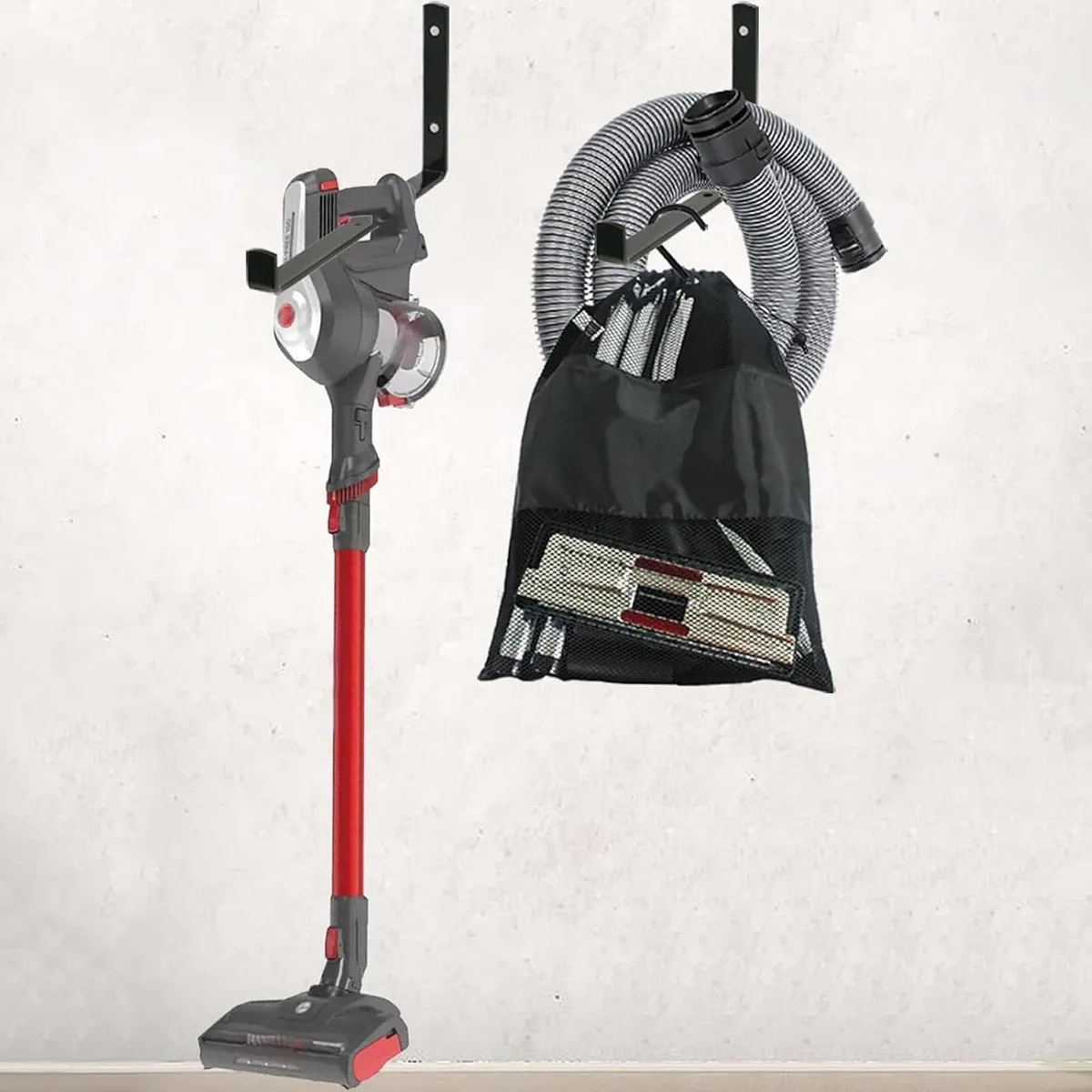
Not necessarily, but organization helps. Wall brackets keep sticks off the floor. Shelf inserts stabilize robots during charging.
Avoid cluttered closets where devices get knocked over. Secure mounting protects sensors and wheels. Look for universal holders compatible with various brands.
Proper storage extends battery life by preventing accidental discharge.

Similar Posts