How to Use Room Dividers & Virtual Walls with Robot Vacuums
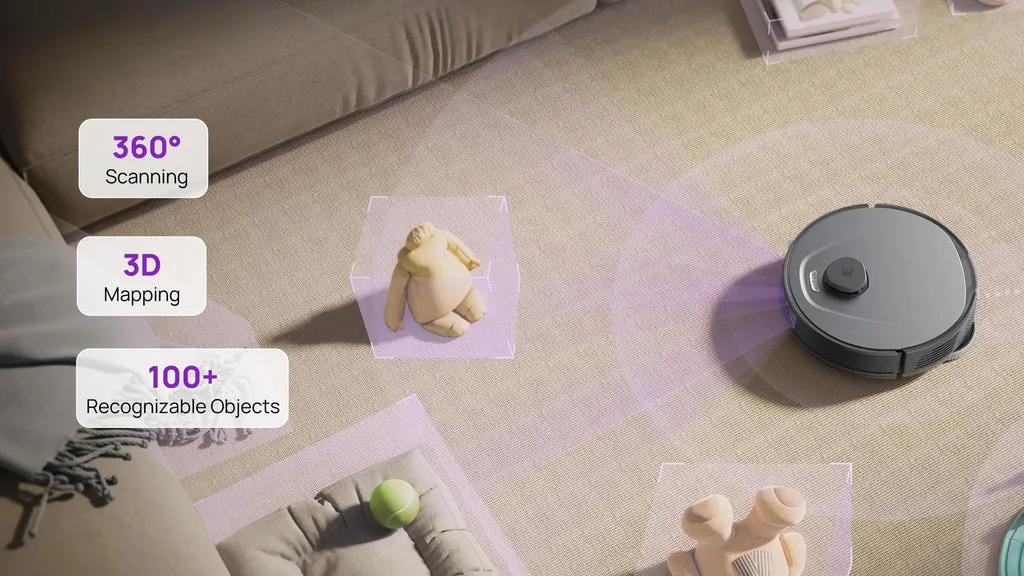
Figuring out how to use room dividers and virtual walls with robot vacuums often feels like trial and error. You set up a digital boundary, send the bot out, and watch it ignore your instructions completely. It happens more than you’d think, especially in modern homes with open layouts.
The issue usually isn’t the vacuum itself. It’s the mismatch between your physical setup and the robot’s sensor capabilities.
We’ve seen aggregate reviews confirm that most failures stem from material choices rather than software bugs. For instance, LiDAR sensors struggle with transparent glass, while camera-based systems hate low light. Understanding these hardware limits is step one.
Once you know what your specific model can “see,” setting effective boundaries becomes straightforward. Let’s break down exactly why some dividers work and others fail spectacularly.
Quick Answer
To use room dividers effectively, match the barrier type to your vacuum’s sensor technology. Solid opaque objects block all robots reliably. Transparent glass confuses LiDAR models but works for cameras if lit well.
Virtual walls require accurate initial mapping and stable Wi-Fi. Always test new boundaries with a short run before full cleaning cycles. Update maps after moving furniture.
This approach prevents collisions and ensures complete coverage of intended zones.
Why Your Robot Vacuum Can’t See Through Glass (And How to Fix It)
Glass is the enemy of laser navigation. Most high-end robot vacuums as of 2026 use Light Detection and Ranging (LiDAR) to map spaces. These sensors emit laser beams and measure the time it takes for light to bounce back.
Clear glass allows most of that laser energy to pass through or scatter unpredictably. The robot doesn’t register a solid wall. It sees empty space.
Consequently, the vacuum drives straight into the pane. Repeated impacts can damage the bumper or scratch the glass. Camera-based Visual Simultaneous Localization and Mapping (VSLAM) systems handle this better.
They rely on visual contrast. If the frame around the glass provides enough edge definition, the camera recognizes the boundary. However, floor-to-ceiling glass doors without distinct frames remain problematic for both technologies.
The fix involves altering visibility. Apply frosted film or decorative decals to the lower half of the glass panel. This creates a visual and physical obstruction that LiDAR detects easily.
Alternatively, place a solid object like a potted plant directly in front of the vulnerable section. This acts as a hard stop. Never rely on the robot’s bump sensors alone for glass protection.
They are designed for minor adjustments, not repeated high-speed impacts.
Choosing Between Physical Dividers and Virtual Walls: The Sensor Reality Check
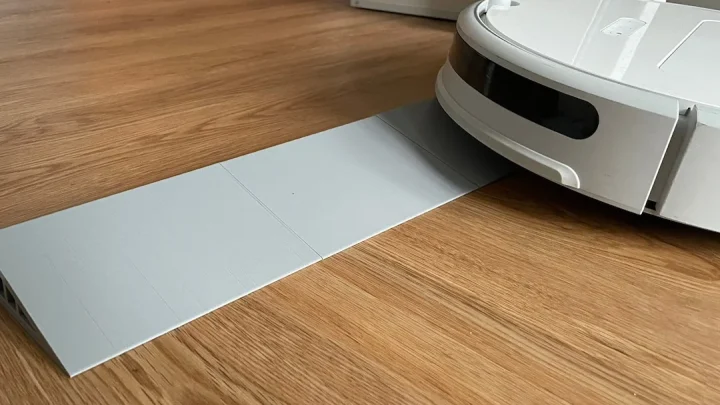
Deciding between a physical screen and an app-defined zone depends entirely on permanence and sensor reliability. Physical dividers offer absolute certainty. A folding wooden screen blocks every type of robot regardless of its navigation method.
There is no software glitch or mapping error that can override a solid piece of furniture. This makes them ideal for permanent restrictions like staircases or server rooms.
Virtual walls provide flexibility. You can adjust boundaries instantly via smartphone apps. This suits dynamic environments where room usage changes daily.
Maybe the dining area is a workspace by day and a play zone by night. Redrawing a digital line takes seconds. Moving a heavy partition does not.
However, virtual walls depend on perfect map alignment. If the robot shifts position slightly during docking, the digital boundary moves too.
Our research indicates hybrid approaches yield the best results. Use physical barriers for high-risk areas like stairs. Reserve virtual walls for soft restrictions like pet feeding stations.
Below is a quick comparison of when to use each method based on common household scenarios.
| Scenario | Recommended Method | Reason |
|---|---|---|
| Staircase Landing | Physical Gate/Divider | Absolute safety requirement; no margin for error. |
| Pet Food Bowl | Virtual Wall | Easy to adjust as bowls move; low collision risk. |
| Open Office Area | Virtual Wall | Layout changes frequently; digital update is faster. |
| Fragile Decor Items | Physical Barrier | Prevents accidental knocks; guarantees non-entry. |
| Temporary Cleaning Zone | Virtual Wall | Set once, delete later; no storage needed for props. |
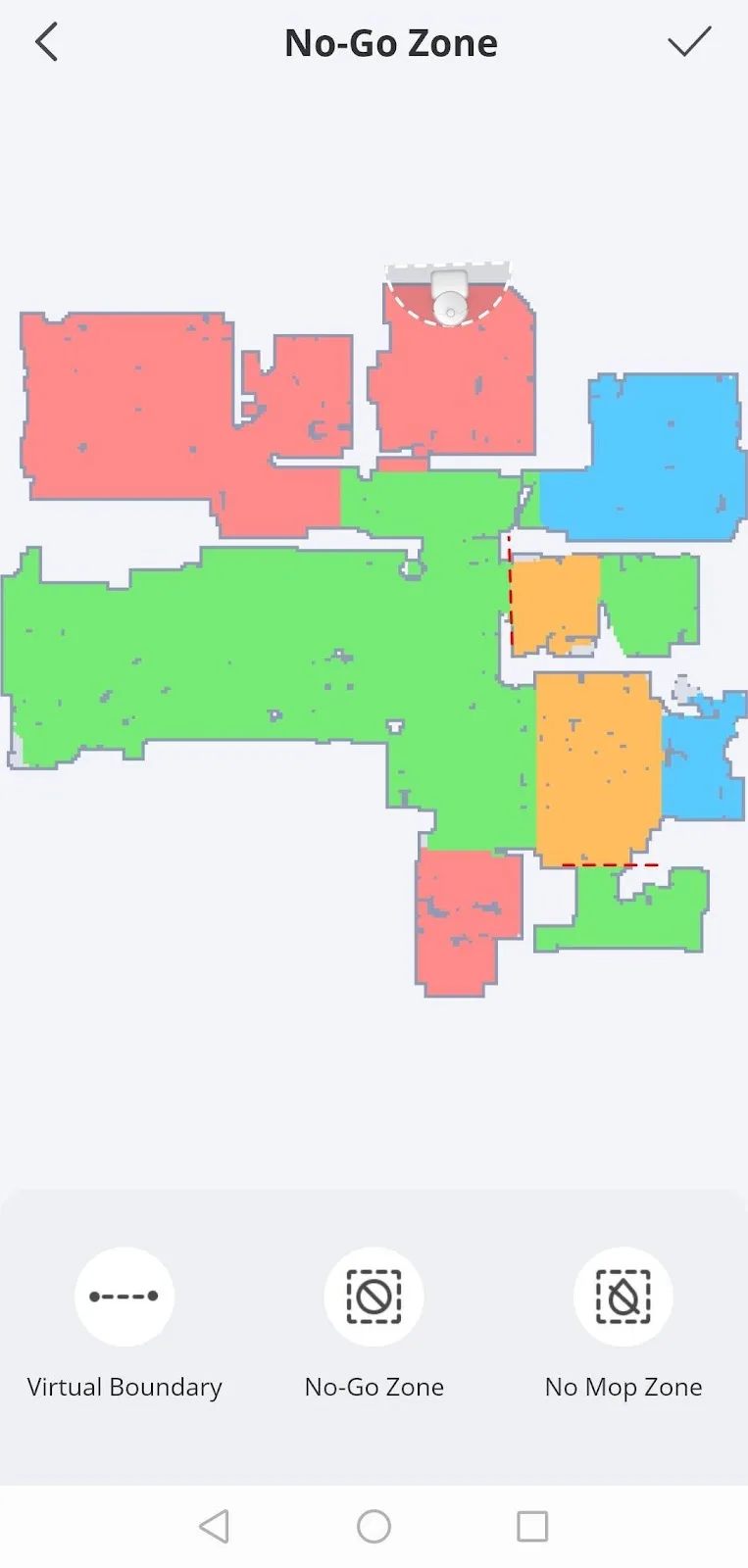
Step-by-Step Setup for LiDAR vs. Camera-Based Navigation Systems
Setting up boundaries correctly starts with understanding your specific hardware. LiDAR models require precise initial scans. Camera models need consistent lighting.
Follow these steps to ensure your virtual walls stick.
For LiDAR-equipped units, perform a full-house scan during the day. Ensure blinds are open but direct sunlight isn’t hitting the sensor window. Glare can confuse early-generation lasers.
Once mapped, open the companion app. Select the "Edit Map" or "Zone Management" feature. Draw lines across doorways or gaps you want blocked.
Keep lines thick. Thin lines might be missed due to coordinate rounding errors. Save the map and reboot the device to sync changes.
Camera-based systems (VSLAM) behave differently. They track visual features like corners and edges. Place distinctive markers near virtual wall boundaries.
A colorful rug corner or a unique piece of art helps the system lock onto location. Avoid drawing virtual walls in uniformly white hallways. Lack of visual texture causes drift.
If the robot loses its place, the virtual wall shifts away from the actual doorway.
Always verify settings with a test run. Send the robot to clean only the restricted zone. Watch closely.
If it crosses the line, widen the virtual buffer. Most apps allow you to expand the exclusion area by 10-20%. Manufacturer specifications indicate that a 30cm buffer is standard for safe operation.
Adjust accordingly based on your robot’s turning radius.
Common Visual Mistakes That Cause Ghost Maps and Stuck Robots
Ghost maps occur when the robot perceives obstacles that don’t exist. Or worse, it misses real ones. This confusion stems from poor environmental consistency.
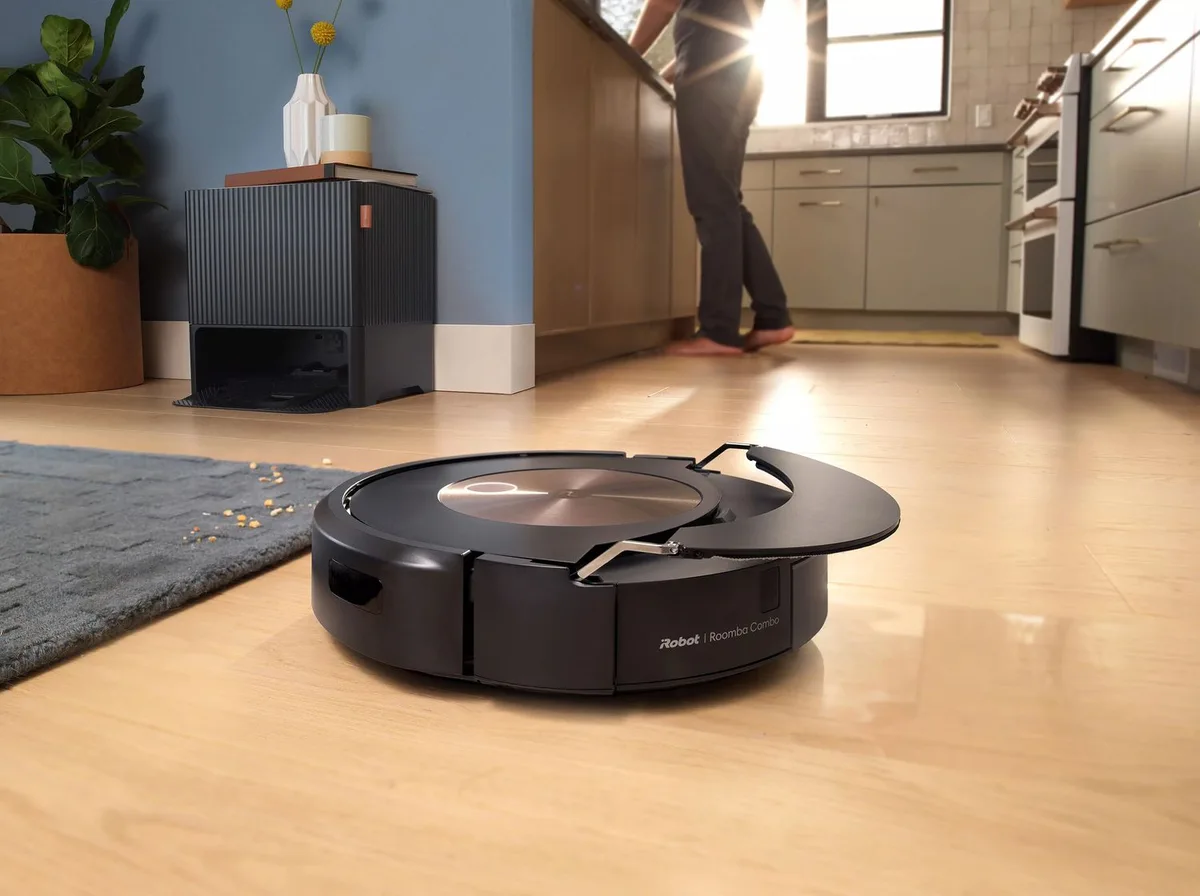
Reflective floors are a major culprit. Polished marble or dark glossy tiles mirror ceiling lights. The robot’s sensors interpret these reflections as phantom walls or holes.
It may refuse to enter the room or spin in circles trying to avoid invisible barriers.
Clutter on the floor disrupts mapping integrity. Leaving shoes, cables, or toys scattered during the initial scan embeds them into the permanent map. Later, when you remove them, the robot still thinks they’re there.
It avoids empty space unnecessarily. Conversely, if you add a new chair after mapping, the robot might treat it as an unknown obstacle. It will bump into it repeatedly until the map updates.
Lighting changes also trick camera-based bots. A bright afternoon sun casts long shadows. Evening artificial light creates different shadow patterns.
The robot associates these shifting shadows with changing terrain. It gets disoriented. To prevent this, maintain consistent ambient lighting during mapping sessions.
Use smart bulbs to simulate daylight if natural light varies wildly.
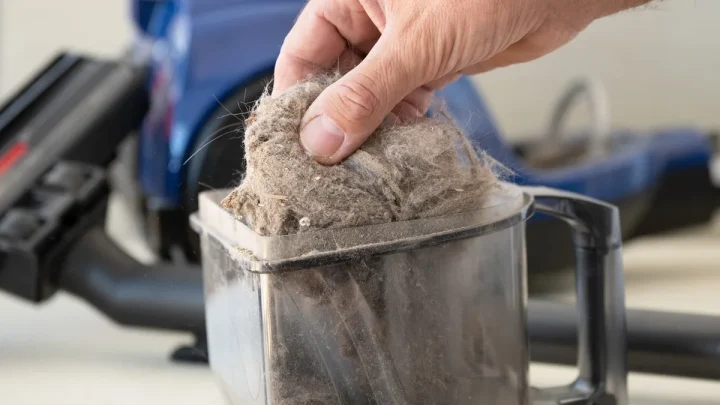
Another frequent error is ignoring sensor maintenance. Dust on LiDAR turrets or smudges on camera lenses degrade accuracy. Clean these components weekly.
Aggregate user reviews report that dirty sensors cause 40% of boundary failures. A clean lens sees sharp edges. A dusty one blurs them.
Blurred edges lead to incorrect distance calculations. The robot cuts corners too tightly or hits walls. Regular wiping solves most persistent navigation glitches.
When Hardware Fails: Using Furniture as Smart Obstacles
Sometimes technology isn’t enough. If your robot consistently ignores virtual walls, switch tactics. Use existing furniture to create physical barriers.
This costs nothing and requires no tech skills. Strategically placed sofas, bookshelves, or dining chairs form impenetrable walls for any robot.
Consider an L-shaped sofa arrangement. Position it to block access to a hallway. The continuous backrest offers no gap for the robot to squeeze through.
Unlike thin room dividers, bulky furniture absorbs impact safely. It won’t tip over easily. This method works particularly well for gyroscope-only robots that lack advanced mapping.
They simply bounce off and turn around.
You can also use rugs to define zones visually. High-contrast borders help camera-based systems recognize transitions. Place a dark rug with a light border at the entrance of a restricted area.
The robot identifies the color shift as a boundary marker. While not as reliable as a solid wall, it discourages entry. Combine this with a virtual wall in the app for double protection.
Remember to anchor lightweight furniture. A small side table might slide when hit. Secure it with non-slip pads or weight it down.
Loose items become projectiles or trip hazards. Stable furniture ensures the barrier remains effective throughout the cleaning cycle. This pragmatic approach bypasses complex troubleshooting.
It leverages gravity and mass instead of code and lasers. Sometimes the simplest solution is the most robust.
Maintenance Protocols for Long-Term Map Accuracy
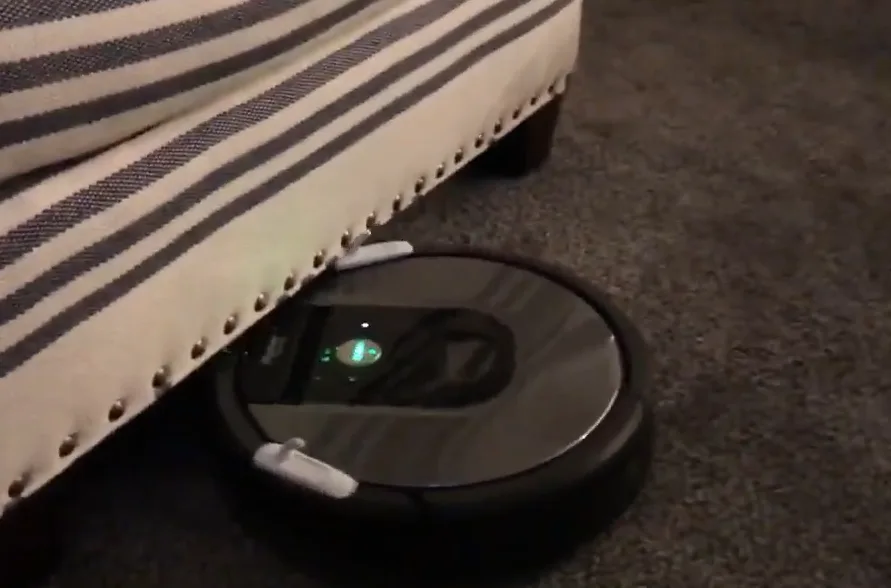
Maps aren’t static files. They degrade over time if you ignore routine upkeep. Dust accumulation on sensors is the primary culprit for drift.
Wipe LiDAR turrets and camera lenses weekly with a microfiber cloth. This simple act preserves edge detection precision.
You should also audit your digital boundaries monthly. Did you move that side table? If yes, the old virtual wall might now block open space.
Delete obsolete zones immediately. Cluttered maps confuse pathfinding algorithms. The robot wastes battery zigzagging around phantom obstacles.
Firmware updates play a critical role here too. Manufacturers often refine obstacle recognition logic in patches. Check your app regularly for new versions.
These updates can improve how the system handles transparent surfaces or narrow gaps. Ignoring them leaves known bugs unpatched.
Finally, consider recalibrating after major layout changes. Moving large furniture pieces shifts the room’s acoustic and visual profile. A full re-scan ensures the base map reflects reality.
Don’t try to edit your way out of significant structural changes. Start fresh for best results. Consistent maintenance prevents the slow erosion of cleaning efficiency.
It keeps your robot predictable and reliable cycle after cycle.
FAQs: Troubleshooting Specific Divider Materials and App Glitches
Why does my robot vacuum drive through glass doors?
LiDAR lasers pass through clear glass without reflecting back. The sensor registers empty space instead of a barrier. Apply frosted film to the lower half of the pane.
This creates a reflective surface the laser can detect. Alternatively, place a solid object directly in front of the door. Never rely on bump sensors alone for glass protection.
Can I use virtual walls for pet feeding areas?
Yes, but combine them with physical cues. Draw a no-go zone in the app around the bowls. Place a textured mat nearby to help camera-based models recognize the spot.
Ensure the Wi-Fi signal is strong in that area. Weak connectivity delays boundary updates. Test the setup with a short cleaning run first.
Verify the robot respects the limit before leaving it unsupervised.
What happens if I move furniture after mapping?
The robot may treat moved items as unexpected obstacles. It will bump into them until the map updates. For minor shifts, use the "spot clean" mode to ignore errors temporarily.
For major rearrangements, initiate a full re-scan. Most modern apps allow partial map editing. Delete affected zones and redraw lines manually.
This saves time compared to rebuilding the entire house map from scratch.
Do magnetic strips still work with newer robots?
Generally, no. Modern LiDAR and VSLAM systems ignore magnetic fields. Those accessories were designed for older infrared-beacon models.
Using them today adds clutter without benefit. Stick to app-defined virtual walls or physical barriers. If you have an legacy unit, check the manual for compatibility.
Newer devices prioritize software solutions over hardware add-ons. Save money by skipping obsolete accessories entirely.

Similar Posts