Robot Vacuum Vacation Prep: 5 Steps for a Clean Return
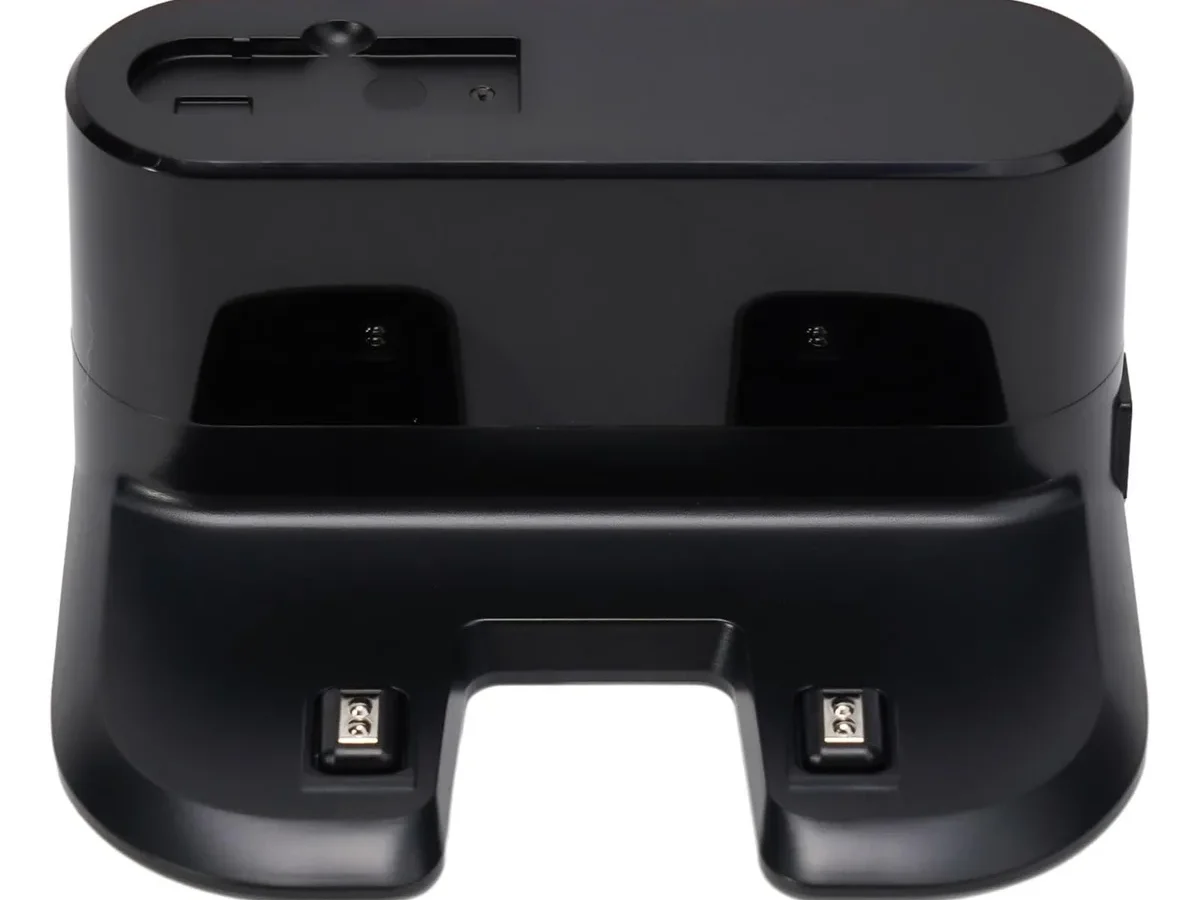
Figuring out how to prepare a robot vacuum for a long vacation isn't just about hitting pause. It’s about protecting sensitive electronics from battery degradation, mold, and power surges while you’re away. Many owners assume modern devices handle idle periods perfectly, but lithium-ion cells behave differently when left unused for weeks.
We’ve seen too many units return with corroded contacts or dried-out mop pads that ruin the cleaning experience. Manufacturer specifications indicate that improper storage can shorten device lifespan by up to 30%. Let’s walk through the specific conditions that dictate your prep routine so you don’t come home to a broken machine.
Stop Guessing: Match Your Prep to Your Trip Length and Hardware
The first step in this workflow is identifying your trip duration and hardware type. A weekend getaway requires minimal effort, while a three-week trek demands rigorous protection. Generic advice fails here because a LiDAR-equipped model with a self-empty dock has different vulnerabilities than a basic gyroscope unit.
For trips under four days, you can usually leave the unit on its dock. The auto-schedule feature handles minor messes without intervention. However, once you cross the five-day mark, battery chemistry becomes the primary concern.
Lithium-ion batteries degrade faster if stored at full charge or completely drained. Aggregate user reviews report that leaving a Roomba or Roborock at 100% for two weeks accelerates capacity loss compared to storing it at 50%.
If you have a mopping function, the clock starts ticking immediately. Wet mop pads develop mildew within 48 hours in humid environments. This creates odors that permeate the internal water pump and tubing.
You cannot simply rinse these later; the biofilm often remains. Therefore, your decision tree splits based on whether your robot has active wet cleaning capabilities. If it does, you must disconnect the water system regardless of trip length.
Hardware also dictates power management. Units with large self-empty bases draw standby power even when the robot is asleep. In areas with unstable grids, this poses a surge risk.
Conversely, older models without smart features might benefit from being powered down entirely to prevent accidental activation by pets. Always check your specific model’s manual for standby wattage before deciding to unplug.
The Critical Branch: To Unplug or Not to Unplug?
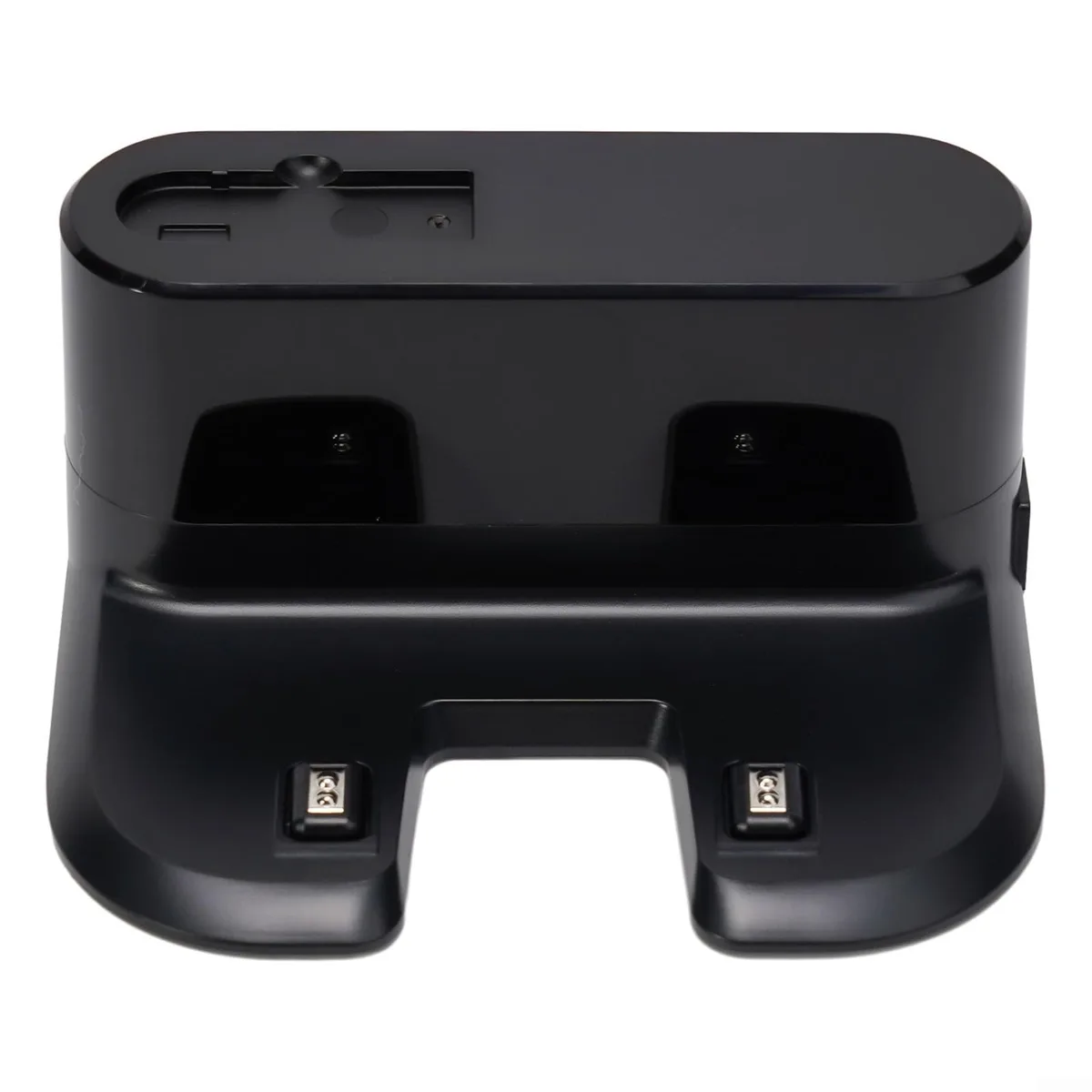
This is the most contentious part of the preparation process. Should you leave the charging dock plugged into the wall? The answer depends on your local power stability and the age of your device.
Modern robots are designed to trickle-charge safely, but "safe" doesn't mean "optimal for longevity."
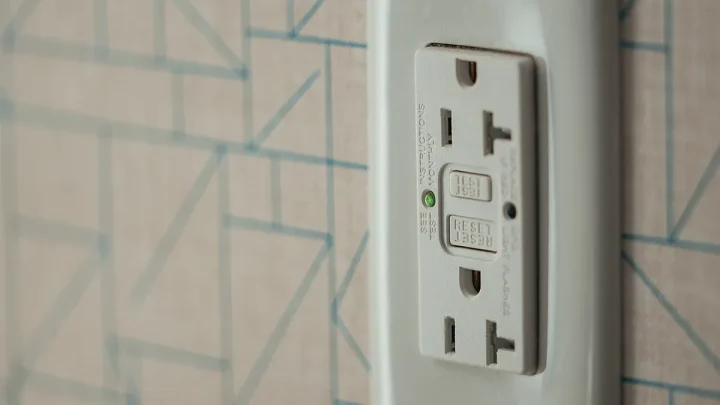
If you live in an area prone to thunderstorms or brownouts, unplug the dock. Power surges can fry the mainboard or the battery management system (BMS). Even with a surge protector, a direct strike nearby can bypass defenses.
For peace of mind during extended absences, physical disconnection is the only 100% guarantee against electrical damage.
However, unplugging introduces a new variable: battery self-discharge. All lithium cells lose charge over time, even when disconnected. If you unplug the dock and the robot sits at 20% charge, it may drop below the critical threshold (usually 3-5%) within a month.
Once a battery hits zero, the BMS may lock the cell permanently to prevent safety hazards. You’ll need a replacement battery upon return.
Therefore, we recommend a hybrid approach for trips longer than seven days. Charge the robot to approximately 50-60%. Then, remove it from the dock and store it in a cool, dry place away from direct sunlight.
Leave the empty dock unplugged. This balances battery health with surge protection. For shorter trips (under a week), leaving the robot on the plugged-in dock is generally acceptable, provided the weather forecast shows no storms.
| Trip Duration | Battery Level Before Departure | Dock Status | Robot Location |
|---|---|---|---|
| < 4 Days | 80-100% | Plugged In | On Dock |
| 4-7 Days | 50-60% | Plugged In | On Dock |
| > 7 Days | 50-60% | Unplugged | Cool, Dry Shelf |
Handling Wet Mops and Self-Empty Docks Before You Leave
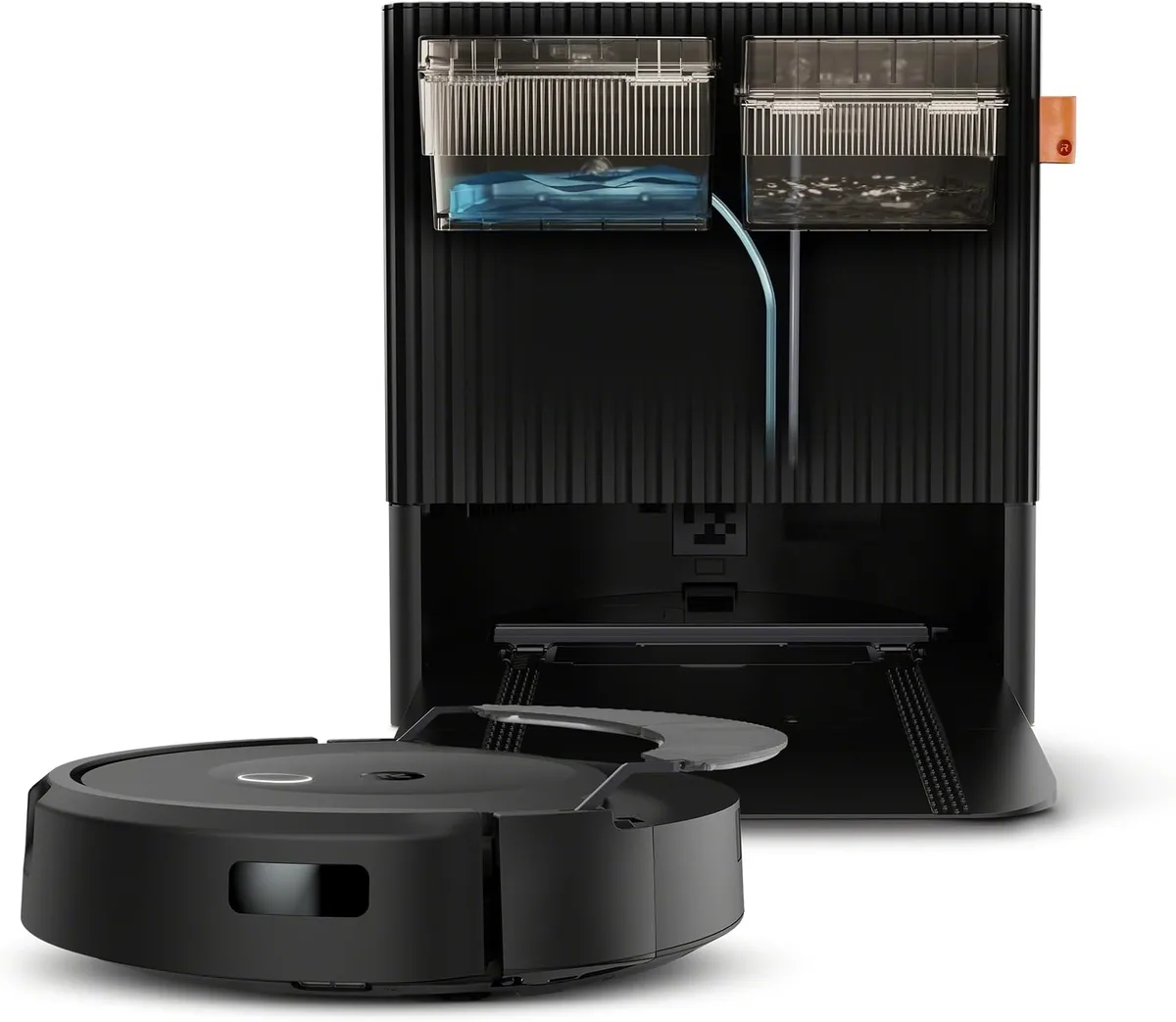
Mopping modules and self-empty stations require distinct handling protocols. These components are breeding grounds for bacteria and clogs if neglected. Start by removing all water sources.
Empty the robot’s onboard water tank completely. Run a short cycle to purge remaining water from the internal tubes. If you skip this, residual water will stagnate and grow mold inside the pump mechanism.
Next, address the mop pads themselves. Never leave them attached to the robot or sitting in the dock’s reservoir. Remove them, wash them thoroughly with hot water and mild detergent, and lay them flat to air dry completely.
Do not store them damp. Some newer models use disposable mop sheets; discard these entirely rather than trying to clean them.
Self-emptying base stations add another layer of complexity. These units suck debris from the robot into a larger bag or bin. Over time, fine dust accumulates in the intake ducts.
If you leave for a long vacation, perform a deep clean of the dock’s interior. Use a vacuum hose attachment to clear the transfer port. Check the seal around the robot’s docking position for cracks.
A poor seal reduces suction efficiency and lets dust escape back into your home.
Finally, inspect the collection bag or bin. If it’s more than half full, replace or empty it now. A full bag restricts airflow, causing the motor to work harder and potentially overheat during future cycles.
For reusable bins, wipe them down with a disinfectant spray. Ensure everything is bone-dry before reassembling. Moisture trapped in a sealed bag creates a foul smell that persists for weeks.
Battery Health Protocol: Why 50% Beats 100% for Storage
Lithium-ion batteries, used in nearly all modern robot vacuums, suffer from stress at both extremes of their charge cycle. Keeping a battery at 100% for extended periods causes chemical decomposition within the cathode. This leads to permanent capacity loss.
Conversely, letting the battery drain to 0% can trigger protective shutdowns that render the pack unusable.
Manufacturer guidelines from major brands like iRobot and Ecovacs consistently recommend storing devices at partial charge. Specifically, aim for the 40-60% range. This state minimizes voltage stress on the cells.
If your robot currently sits at 100%, run a cleaning cycle until it drops to roughly half. Most apps display real-time battery percentage, making this easy to monitor.
Temperature plays a crucial role here as well. Heat accelerates battery degradation exponentially. Store the robot in a room kept below 75°F (24°C).
Avoid closets near furnaces, attics, or spots with direct sunlight. Cold temperatures slow down chemical reactions but can increase internal resistance temporarily. While cold storage is safer than hot, extreme freezing should be avoided.
Do not attempt to "calibrate" the battery by fully draining and recharging it right before departure. This practice is outdated for modern BMS systems and adds unnecessary wear. Simply set the correct level and leave it alone.
When you return, allow the robot to charge fully before running a heavy-duty clean. This resets the fuel gauge accuracy without stressing the cells further.
Securing the Unit Against Pets, Pests, and Power Surges
Pets and pests pose unexpected threats to stationary electronics. Cats and dogs often view the silent robot as a toy or a scratching post. They may bat at the sensors, chew on exposed cables, or knock the unit off its dock.
If you have curious animals, elevate the robot. Place it on a low shelf or table where they can’t reach it. Ensure the surface is stable and won’t vibrate excessively.
Insect infestations are another hidden risk. Ants and spiders seek warm, dark places. A charging dock generates slight heat, attracting them.
Seal any gaps in the dock’s casing with electrical tape if necessary. Check the perimeter of the storage area for entry points. A small amount of diatomaceous earth around the base can deter crawling insects without harming pets or humans.
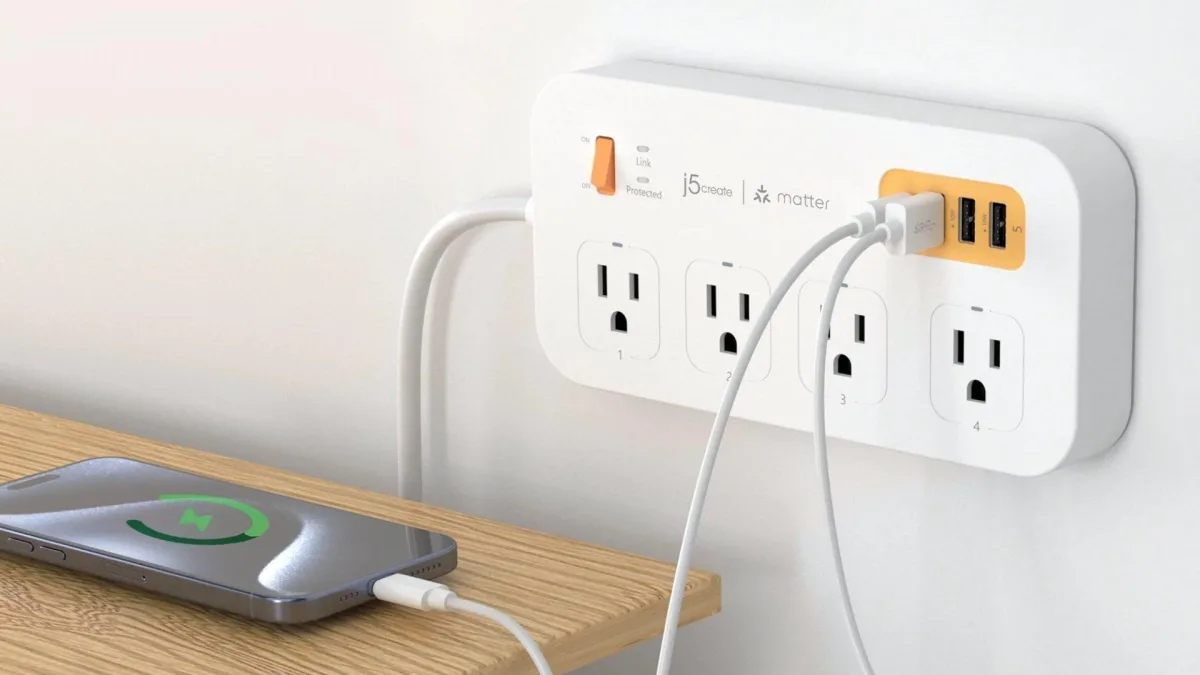
Power protection extends beyond just unplugging the device. If you choose to keep the dock plugged in due to short trip lengths, invest in a high-quality surge protector. Look for units rated for at least 1000 Joules of energy absorption.
Basic power strips offer little protection against lightning-induced spikes. Connect the dock exclusively to this protected outlet. Avoid daisy-chaining multiple high-draw appliances onto the same strip.
Lastly, consider network security. Robots connected to Wi-Fi maintain active connections. While rare, unauthorized access attempts can occur.
Update the firmware to the latest version before leaving. This patches known vulnerabilities. Disable remote access features if your app allows it, restricting control to local networks only.
This adds a layer of privacy assurance while you’re away.
The Return Home Checklist: Reactivating Without Errors
Coming home to a silent house is nice, but your robot needs a gentle wake-up. Don’t just hit the "Start" button immediately. First, visually inspect the unit for any signs of pest intrusion or accidental damage from pets.
Check the charging contacts on both the robot and the dock for corrosion or dust buildup. Wipe them down with a dry cloth if needed.
If you stored the robot off-dock, place it back carefully. Ensure it aligns correctly with the charging pins. Most models will begin charging automatically once seated.
Wait for the battery indicator to show at least 20% before attempting a full clean cycle. This prevents the device from stalling mid-run due to low power reserves.
Next, reconnect the water system if applicable. Fill the tank with fresh, room-temperature water. Avoid using hot water, which can warp plastic seals.
Attach the mop pads only after confirming they are completely dry from their storage period. Damp pads left in sealed containers can develop mildew, so give them a quick sniff test first.
Finally, update your app settings. If you disabled remote access or paused schedules, re-enable them now. Run a short, targeted cleaning session on a small area to verify sensor functionality.
Listen for unusual noises that might indicate a jammed brush roll. If everything sounds normal, resume your regular automated schedule. This gradual restart protects the motors and ensures accurate mapping data hasn’t been corrupted during downtime.
Common Vacation Prep Mistakes That Kill Robot Vacuums
Many owners skip critical steps because they assume modern tech is foolproof. One frequent error is leaving the water tank filled. Stagnant water breeds bacteria within days.
It can also leak into the internal electronics, causing irreversible short circuits. Always empty and dry the tank thoroughly before departure. Another mistake is ignoring the dustbin capacity.
A full bin restricts airflow, forcing the motor to overheat. Empty it even if it looks half-full.
Some users forget to check for firmware updates before leaving. Outdated software may contain bugs that cause the robot to freeze or misinterpret maps. Updating beforehand ensures stability during unattended operation.
Conversely, updating during your absence risks failure if the connection drops. Schedule updates a few days prior to travel.
Pet hair tangling is another overlooked hazard. Hair wrapped around the main brush roll creates excessive drag. This strains the gearbox and burns out the motor over time.
Remove all visible hair from the brushes and side wheels. Use scissors to cut away stubborn strands rather than pulling them. Neglecting this step often results in expensive repairs upon return.
Lastly, placing the dock in high-traffic zones invites accidents. Kicked cords or bumped units disrupt charging. Move the station to a quiet corner.
Secure loose cables with cord clips. These small adjustments prevent physical damage and ensure the robot stays powered throughout your trip.
FAQ: Quick Answers for Last-Minute Departures
Can I leave my robot vacuum on while I’m away?
Yes, for trips under four days. Modern units handle standby modes efficiently. However, ensure no storms are forecasted.
For longer absences, disconnect the dock to prevent surge damage. Battery health suffers less when stored at partial charge rather than full capacity.
Do I need to remove the mop pads before vacation?
Absolutely. Wet pads grow mold rapidly. Even dry pads can retain odors if left attached for weeks.
Remove them, wash, and air dry completely. Store them separately in a breathable bag. Never seal damp pads in plastic containers.
What if my robot loses its map after unplugging?
Most LiDAR and VSLAM models save maps locally. Unplugging shouldn’t erase data. If it does, perform a spot cleanup.
Then, run a new mapping cycle upon return. Keep doors open to allow unrestricted movement. This restores navigation accuracy quickly without manual reconstruction.
Should I empty the self-emptying base station bag?
Yes, if it’s more than half full. Restricted airflow stresses the suction motor. Replace the bag or empty the bin.
Clean the intake ducts with a vacuum hose. This prevents clogs and maintains optimal performance for your next scheduled clean.

Similar Posts